
Clash brings smart routing and clearer control to daily connectivity
Clash is built for users who want more predictable routing, easier node management, and a more consistent experience across desktop and mobile. From first setup to everyday switching, the focus stays on stability, clarity, and control.
Multi-platform
Use the same core logic across Windows, macOS, Android and other supported devices.
Smart routing
Keep routing, switching and connection behavior easier to follow in daily use.
Clearer control
Understand status, node behavior and connection choices with less guesswork.
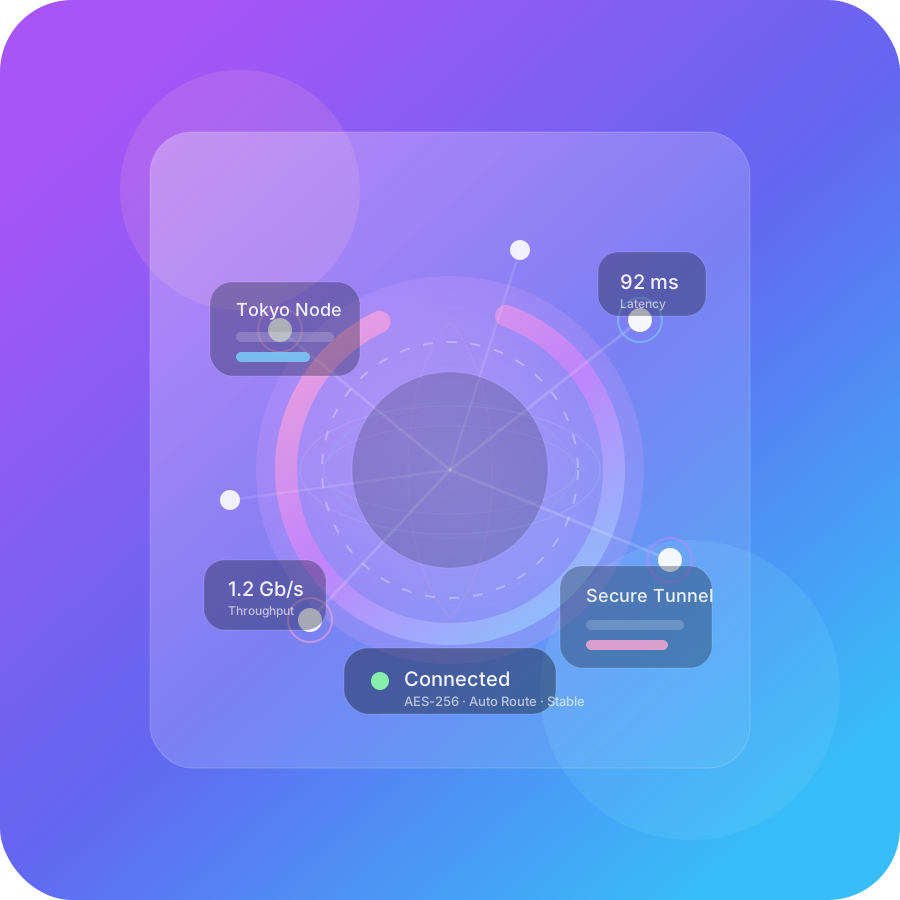
Consistent across devices. Desktop and mobile follow a similar product logic, making cross-device use easier to manage.
Easier to understand. Reduce setup friction and make routing, switching and connection behavior easier to follow.
Built for daily use. Better suited for long-term use where stability, switching and visibility all matter.
Core Features
Clash brings routing, nodes, configuration and connection behavior into a more coherent product experience.
Smart routing
Match traffic behavior more naturally to real usage patterns and routing needs.
Node management
Handle node selection, grouping and switching in a way that stays readable over time.
Status visibility
See what is happening more clearly when switching modes, checking results or adjusting behavior.
Use Cases
Clash is useful when routing behavior, switching speed and multi-device continuity matter more than one-time setup alone.
Cross-border work
Well suited for overseas services, collaboration tools and region-sensitive workflows.
Multi-device workflows
Move between desktop and mobile while keeping a similar connection model and routing logic.
Lower setup friction
Get to a usable state with less unnecessary complexity.
Stable daily use
For users who care about predictable behavior and smoother switching over time.
Platform Support
Windows
A fuller desktop experience for frequent daily use and detailed node management.
macOS
Balanced for work, creative tasks and cross-region collaboration.
Android
Built for mobile-first usage and quick switching on the go.
More Platforms
Prepared for broader device coverage with the same core product logic.
Getting Started
Choose your device
Select the right platform based on your main environment.
Initial setup
Use a clearer onboarding flow to keep first-time setup easier to follow.
Start connecting
Reach a usable state quickly while balancing speed and stability.
Keep it smooth
Maintain a stable daily experience over time.
Frequently Asked Questions
Who is Clash best suited for?
If you value stable connectivity, clearer node management, multi-platform consistency and a lower learning curve, Clash is better suited for long-term use.
Is first-time setup complicated?
No. Clash is designed to reduce friction from device choice to a usable state without adding unnecessary learning cost.
How is it different from a generic proxy tool?
The difference is not only whether it connects, but whether it delivers clearer product logic, better multi-device continuity and more stable control over time.
Does it support multiple devices and use cases?
Yes. Cross-device consistency is one of the main strengths highlighted across desktop and mobile usage patterns.